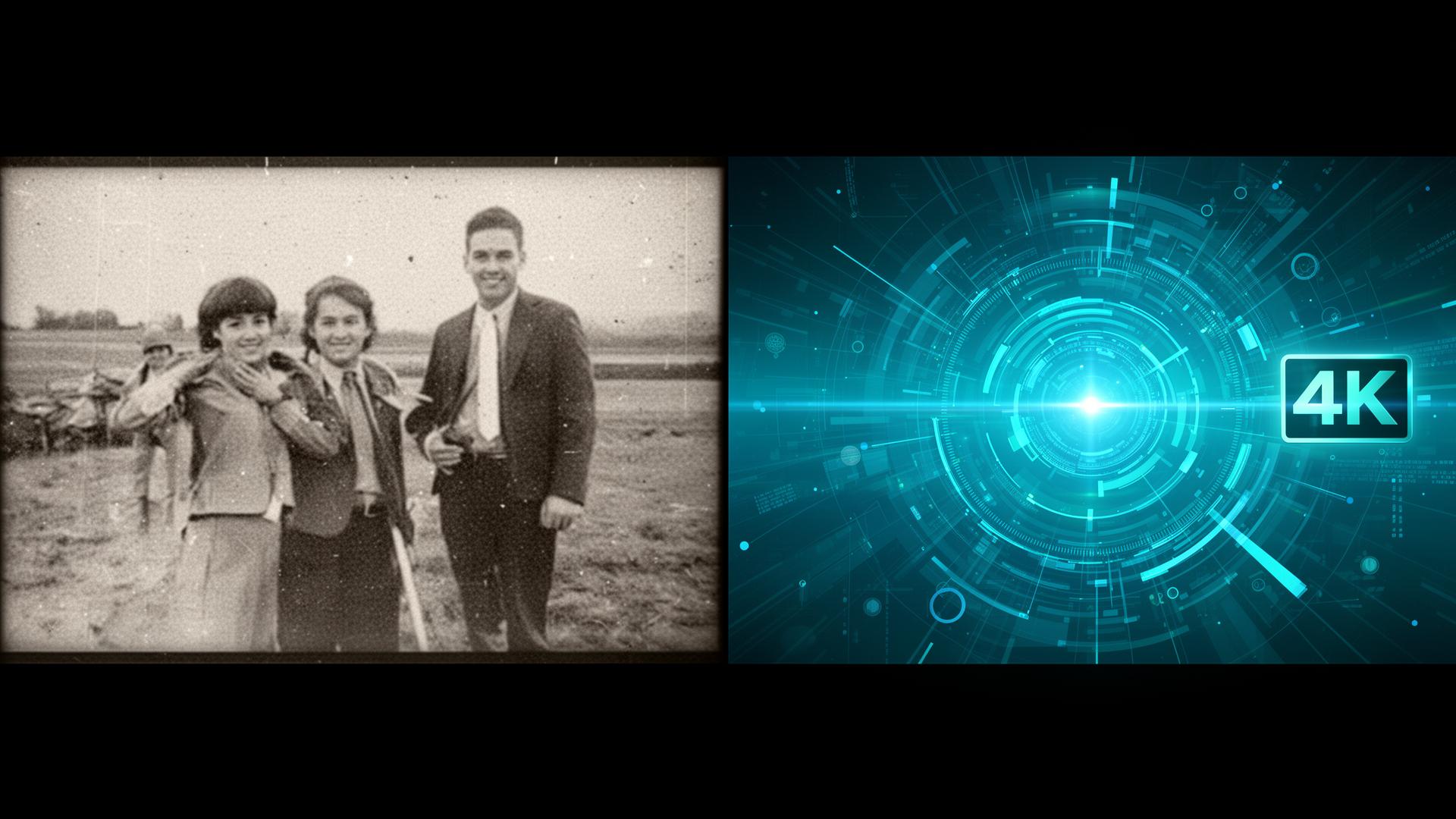
The Promise of AI Video Enhancement
You've probably seen the ads: "Turn any old video into stunning 4K!" But how much of that is real, and how much is marketing hype? The truth is somewhere in the middle — and understanding what AI video enhancement can and can't do will help you set the right expectations.
At Pixel 360 Media, we use professional-grade AI upscaling and restoration tools to genuinely improve video quality. Here's what that actually means.
What Is AI Video Upscaling?
Traditional upscaling simply stretches pixels to fill a larger frame — resulting in a blurry, soft image. AI upscaling is fundamentally different. It uses machine learning models trained on millions of images to:
- Predict and generate missing detail — adding texture and sharpness that wasn't visible in the original
- Reduce noise and grain — cleaning up footage shot in low light or on older cameras
- Enhance edges and faces — making subjects appear clearer and more defined
- Stabilize shaky footage — smoothing out handheld camera movement
What Can Realistically Be Achieved?
Let's set honest expectations:
✅ Great Results
- 480p or 720p footage upscaled to 1080p or 4K — the most common and effective use case
- Old family videos — removing grain and improving clarity dramatically improves watchability
- Corporate training videos — older content can be modernized without reshooting
- Surveillance footage — enhancing detail for identification or documentation
⚠️ Moderate Results
- Very old or heavily compressed footage — AI can improve it, but can't create detail that never existed
- VHS-quality video — significant improvement is possible, but it won't look like it was shot on a modern camera
❌ Not Realistic
- Turning 240p into true 4K cinema quality — no technology can invent that much detail
- Fixing completely corrupted files — AI enhancement needs usable source material
Our Video Enhancement Process
- Source analysis — we evaluate your footage and recommend the best enhancement approach
- AI processing — professional tools apply upscaling, denoising, and stabilization
- Manual review — our editors verify quality and make adjustments where AI falls short
- Color grading — optional color correction to modernize the look
- Delivery — enhanced files in your preferred format and resolution
The combination of AI tools and human expertise is what separates professional results from one-click consumer apps.
When Video Enhancement Makes Business Sense
- Repurposing older content — update legacy marketing videos without the cost of reshooting
- Archival projects — enhance historical footage for documentaries or corporate timelines
- Social media optimization — upscale older clips to meet modern platform quality standards
- Event footage — improve wedding, conference, or concert videos shot on older equipment
See the Difference for Yourself
Words can only describe so much. Visit our Video Enhancement page to see real before-and-after comparisons of AI-enhanced footage.
Ready to enhance your video content? Request a free sample — send us a short clip and we'll show you exactly what's possible.
Explore our full Video Enhancement & Restoration Services.
Stay Updated
Get the latest tips on video enhancement, AI media, and post-production delivered to your inbox.
No spam. Unsubscribe anytime.